Band scores
Type a whole band (0–9) for each criterion, then Tab. ↑ ↓ change it by one. The overall works itself out in half bands.
Opening CaretInk…
Write real exam tests, get every mistake marked line by line, and watch your band score climb.
Sit a timed test in the Exam Room, or send practice from the Nib.
Sardor marks it line by line and gives your band scores.
Open your Folio: see mistakes, fixes and your mistake list.
Earn points in the Exam Room and rise on the leaderboard.
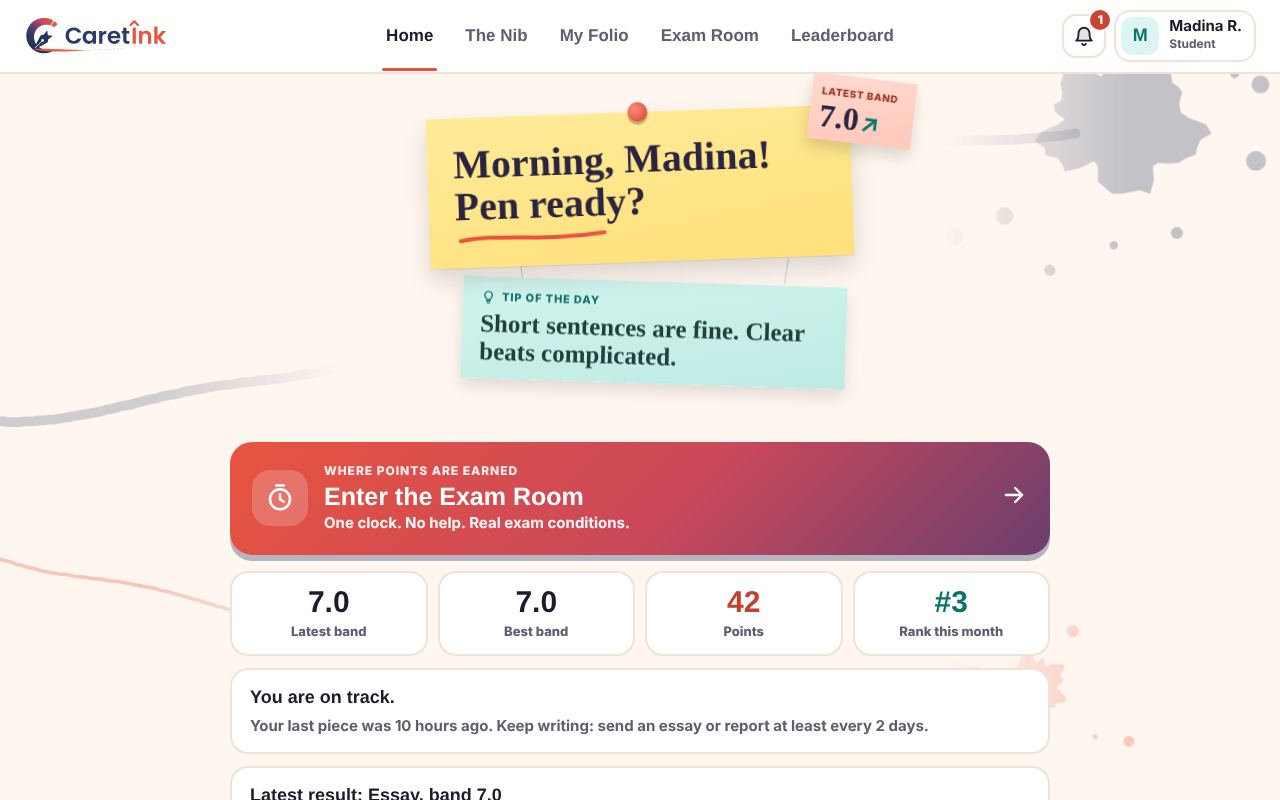
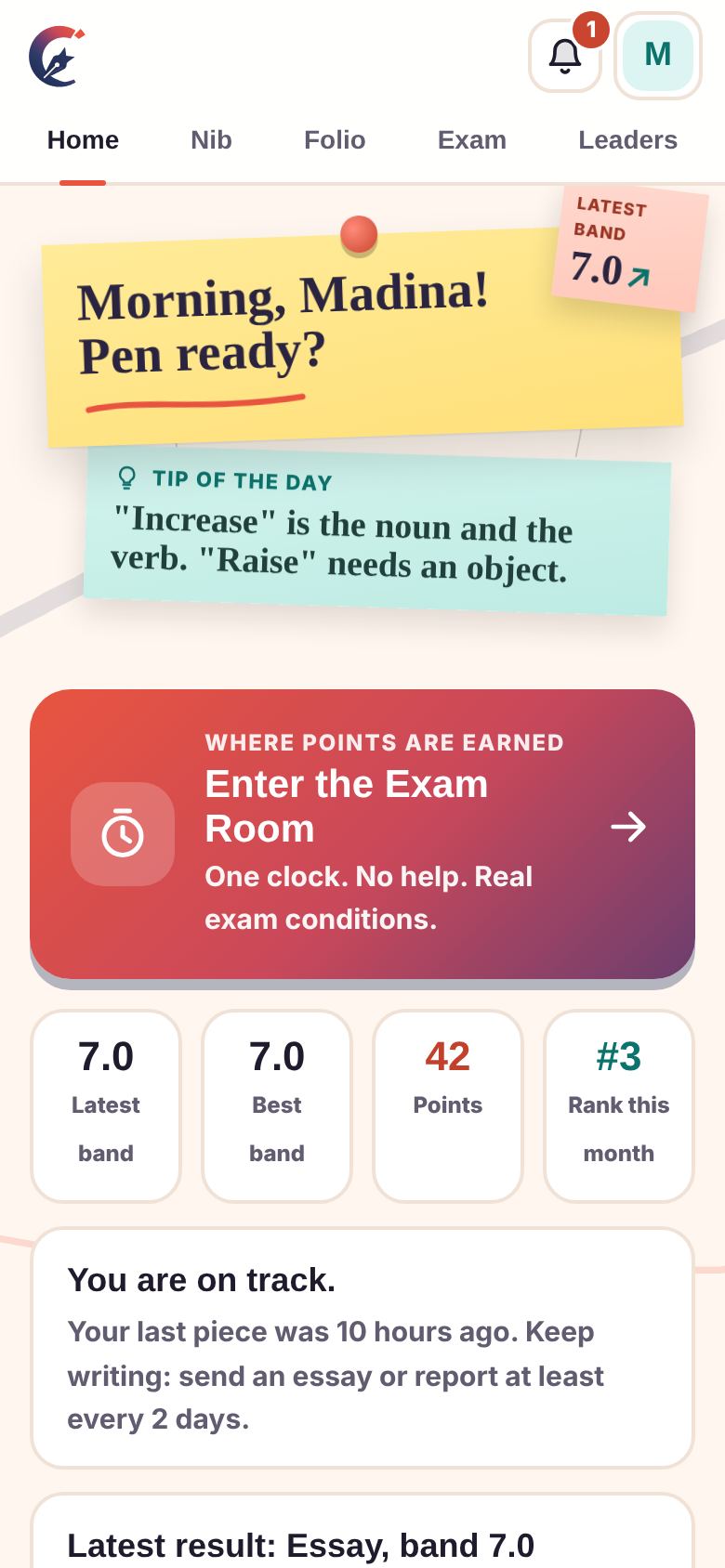
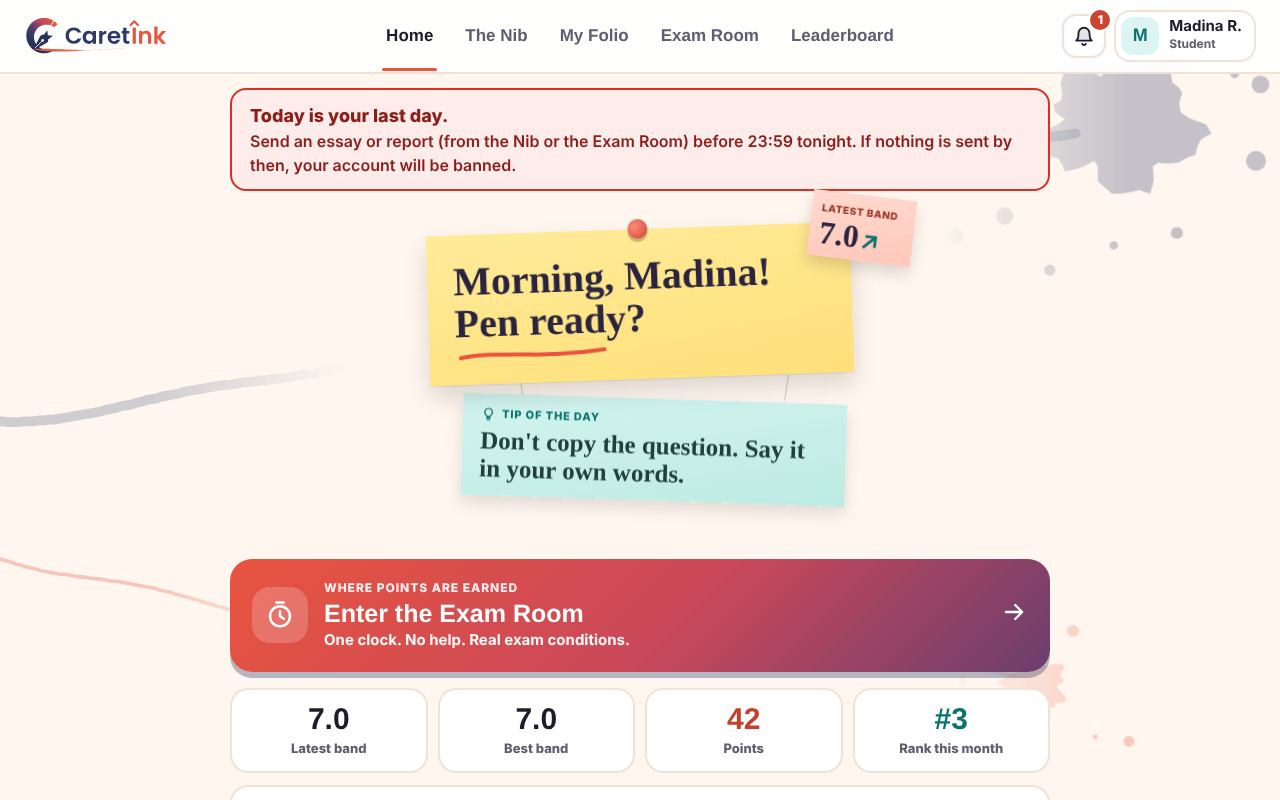
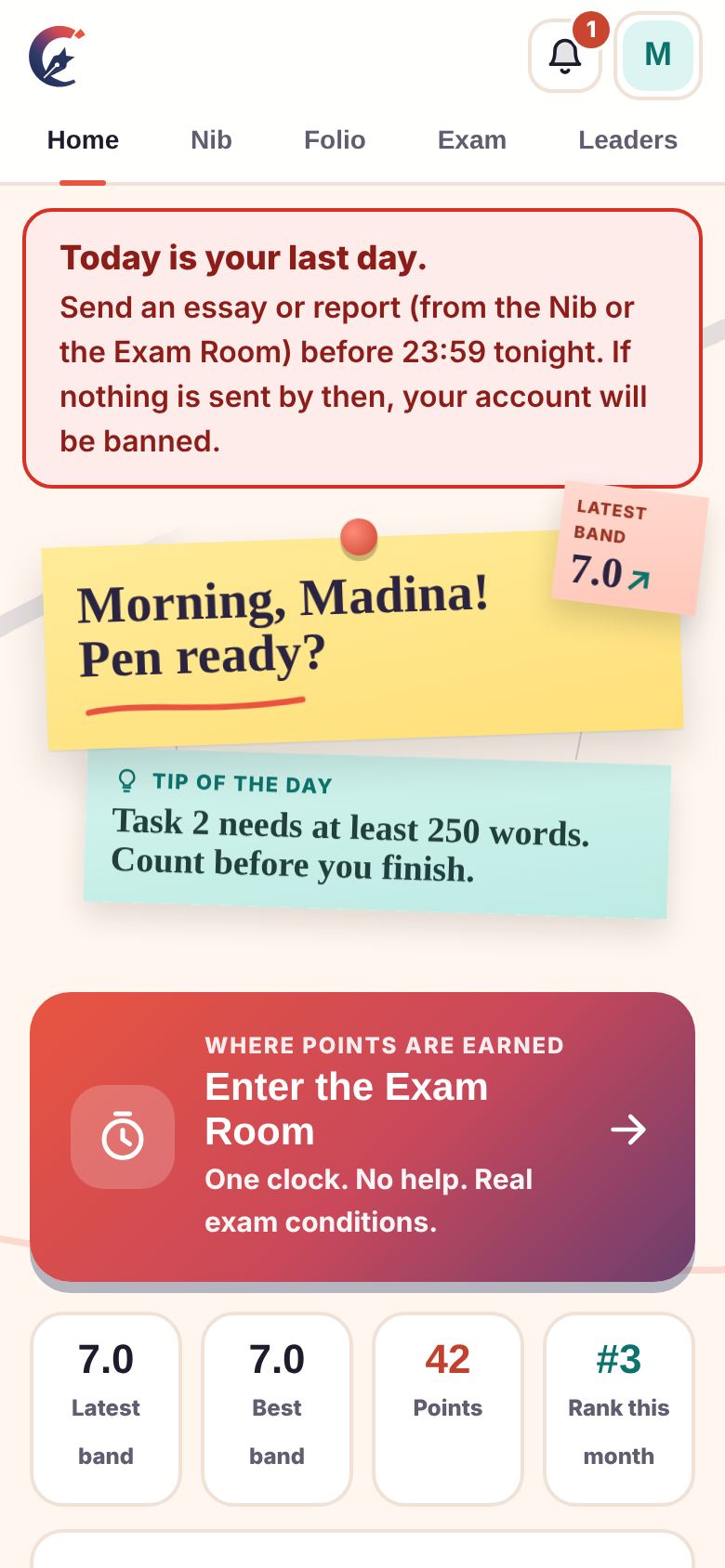
Open CaretInk and you land on Home. It shows your latest and best band, your points, your rank this month, how long since you last sent work, and one tap to the Exam Room.
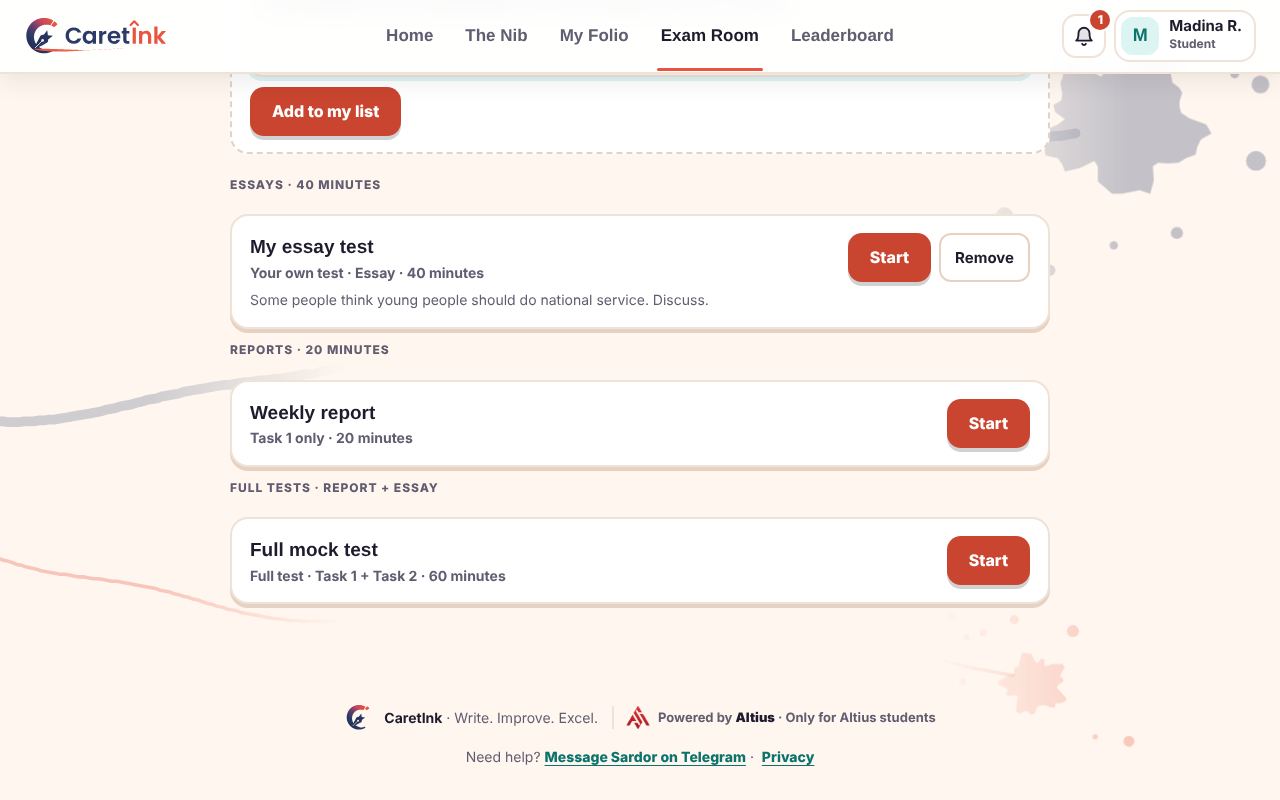
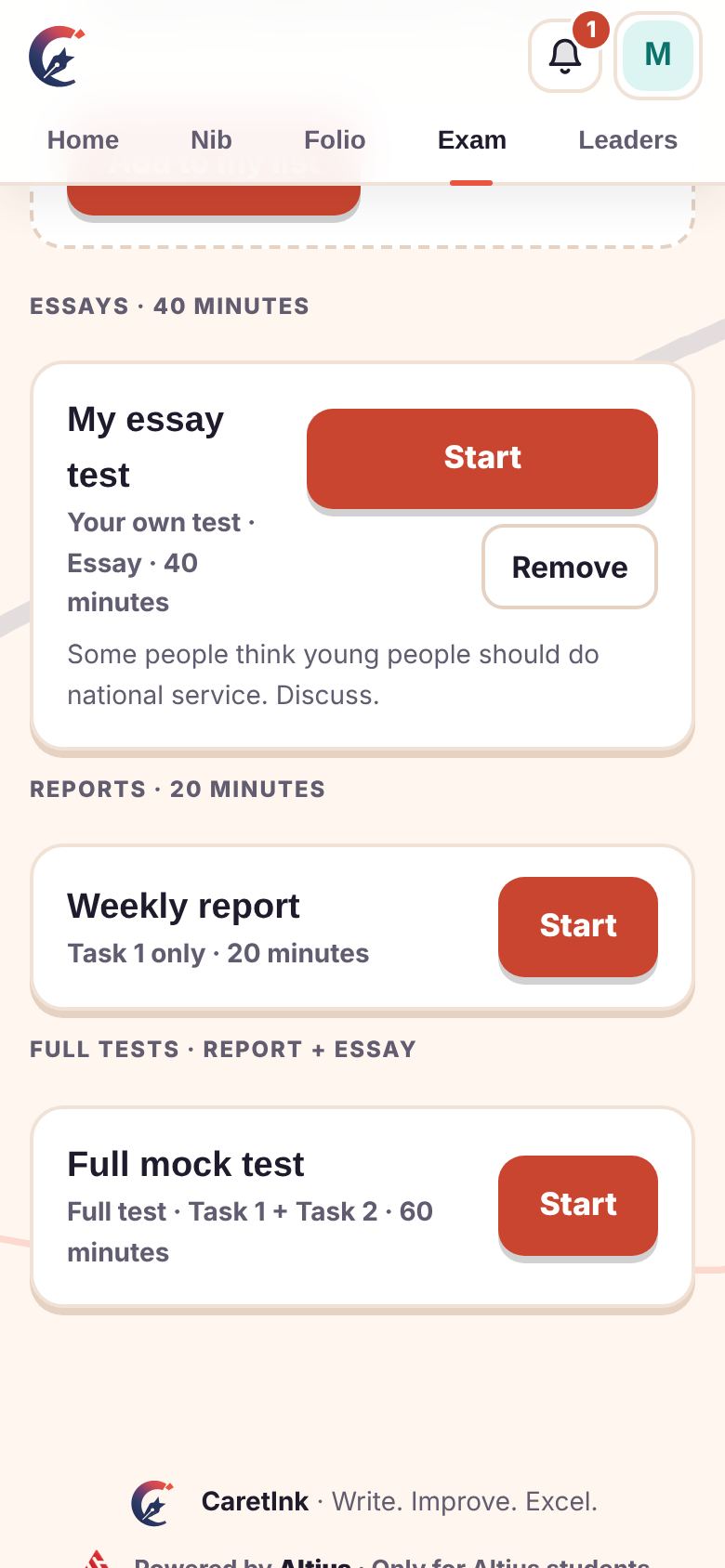
This is where you earn points. One clock, no spellcheck, no pasting, no help. Sit the tests Sardor sets, or make your own.
Sardor marks your writing the way an examiner would. You see every mistake, the correction, the good phrases, and a short note in plain words.
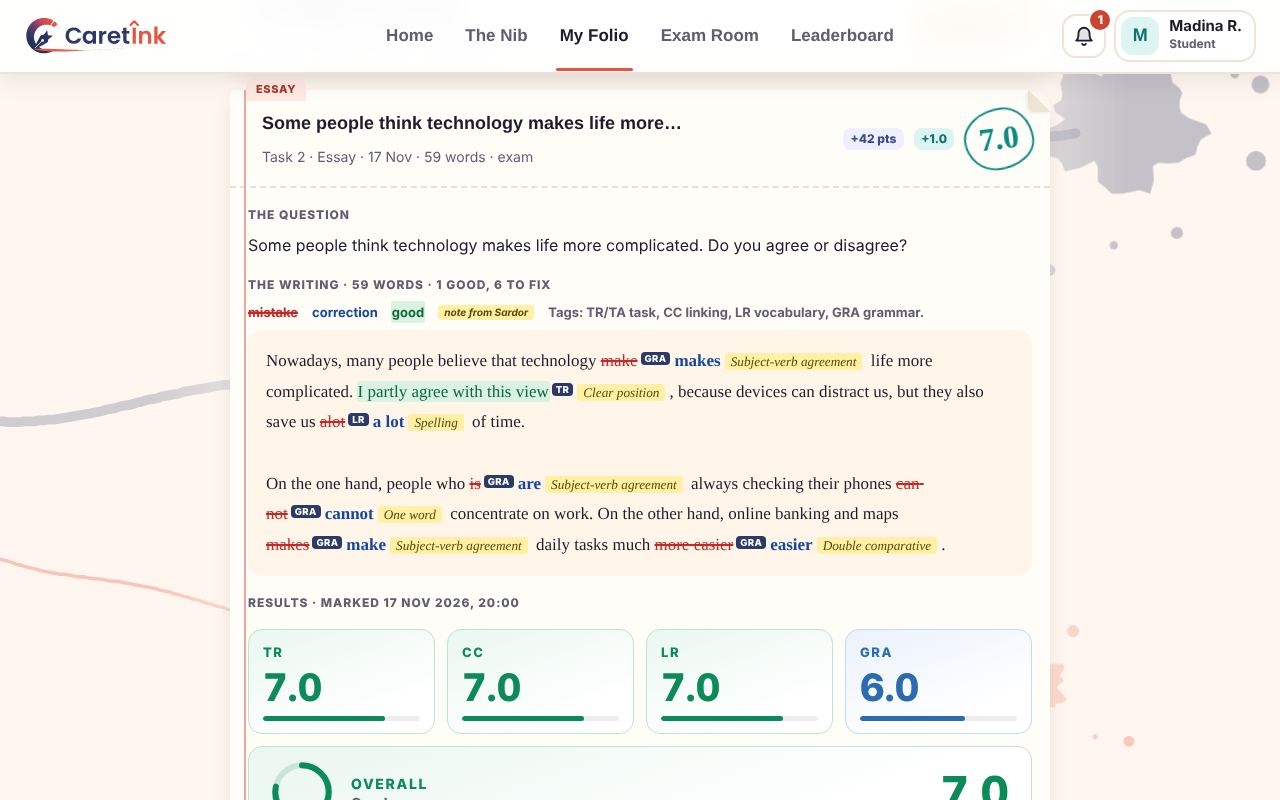
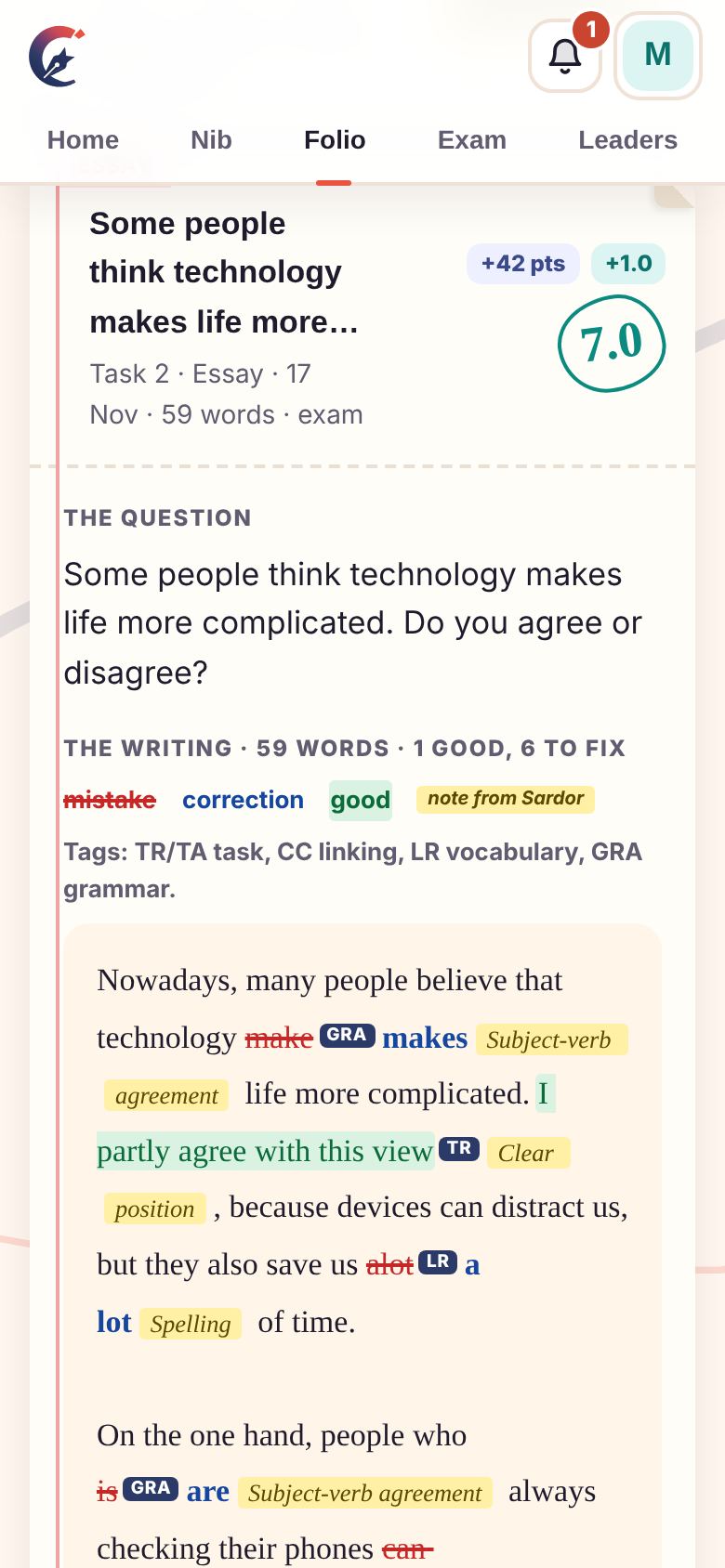
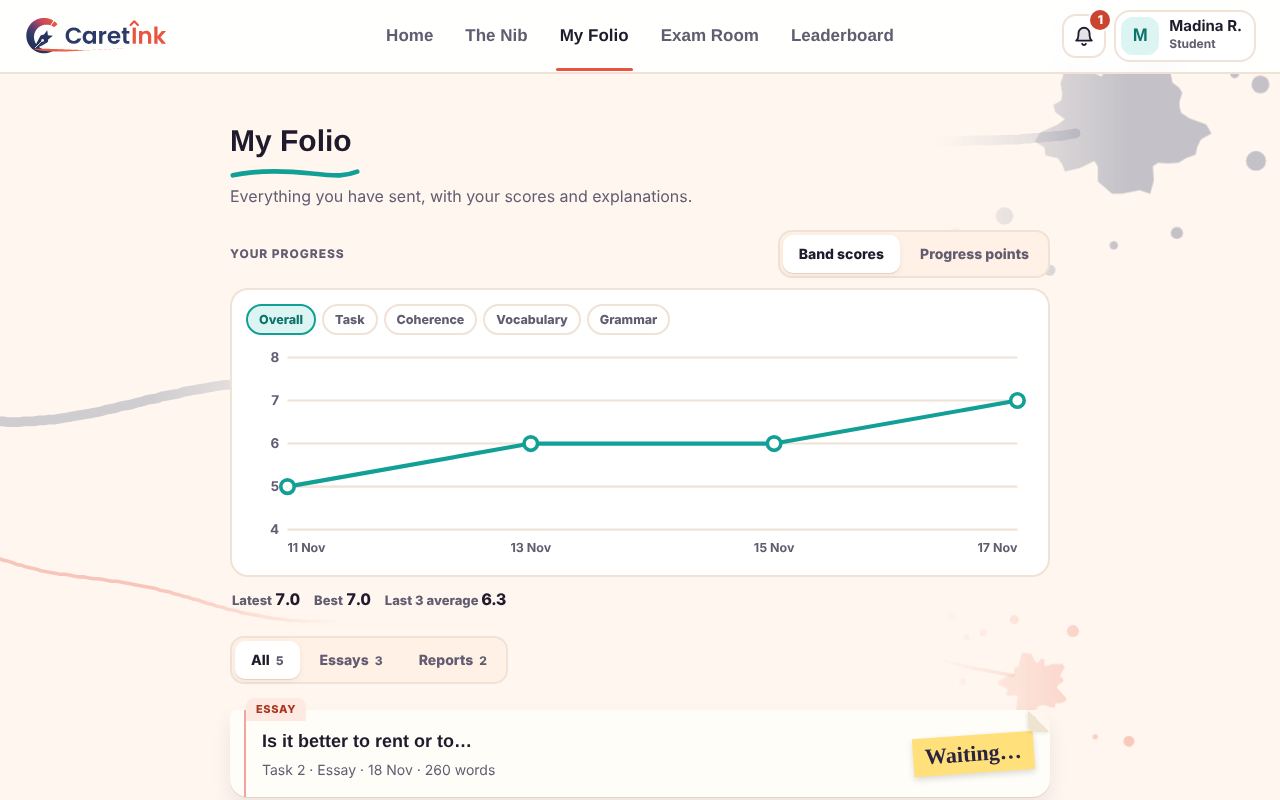
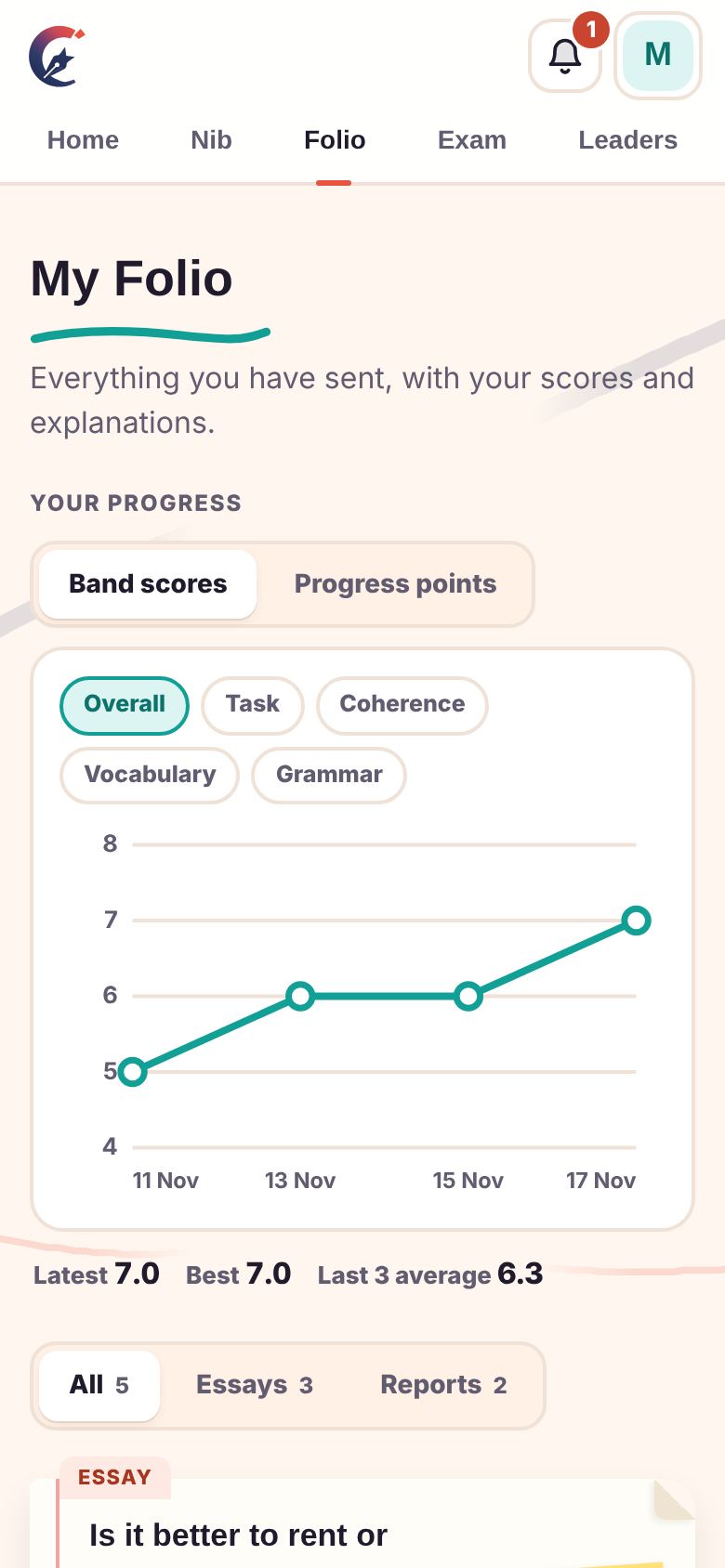
Every piece you send lives in your Folio with its scores. A progress chart shows your band over time, and your mistake list shows what you keep repeating until you fix it.
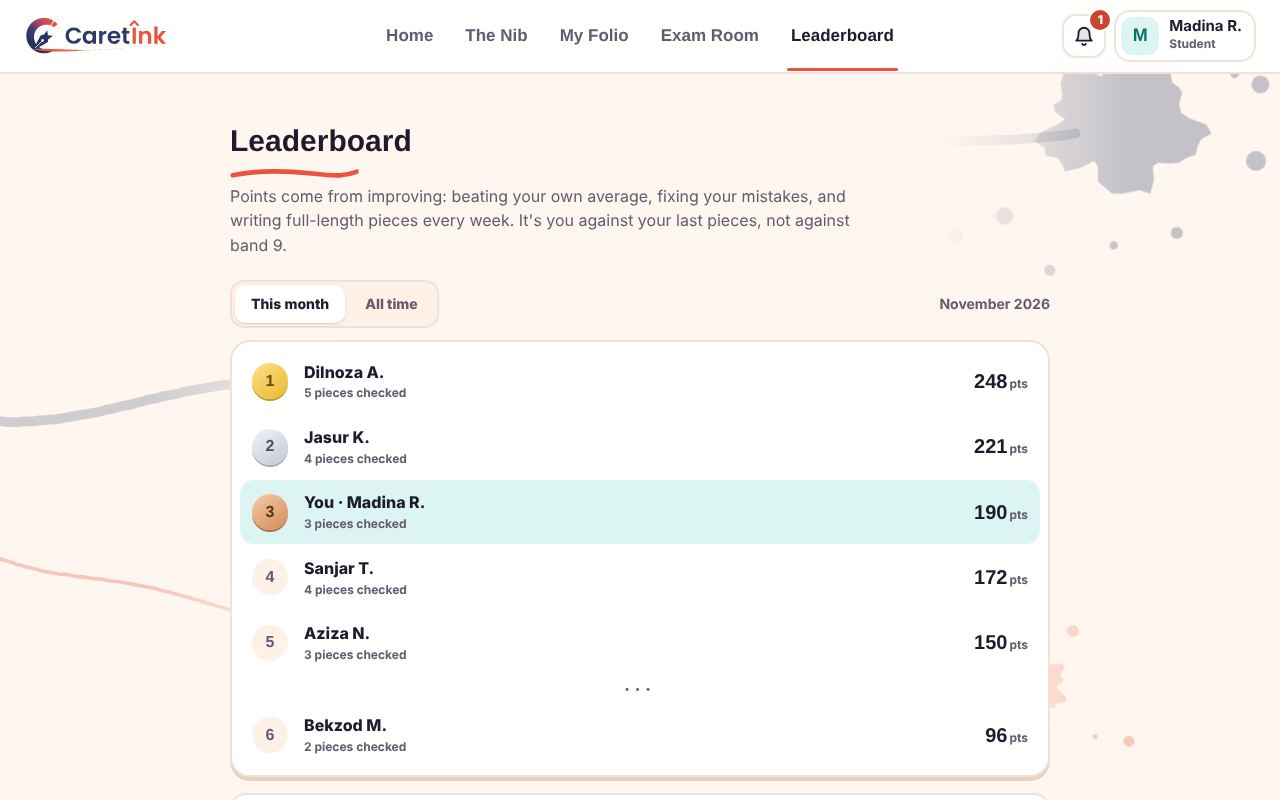
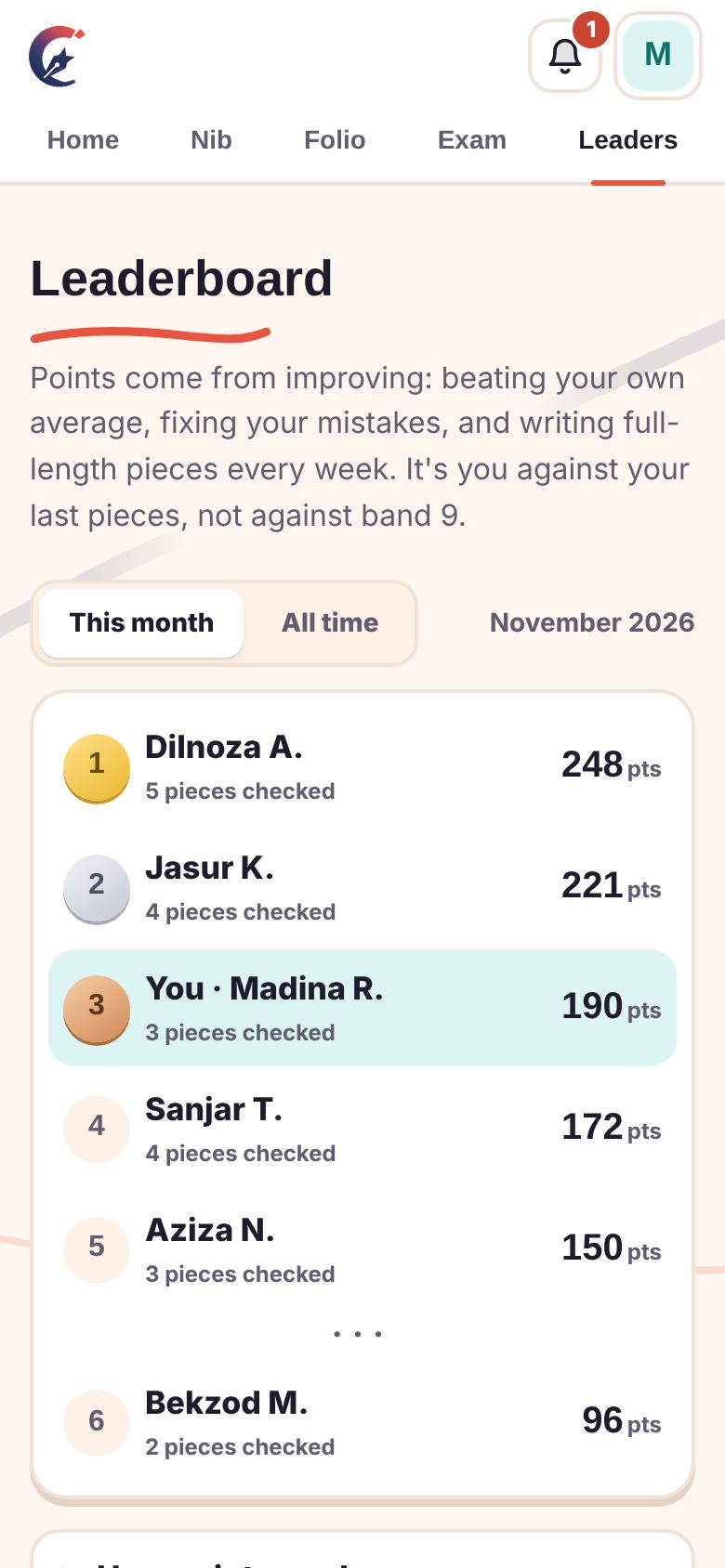
You compete against your own last pieces, not against band 9. Points come from beating your own average, fixing mistakes, and writing full-length pieces every week.
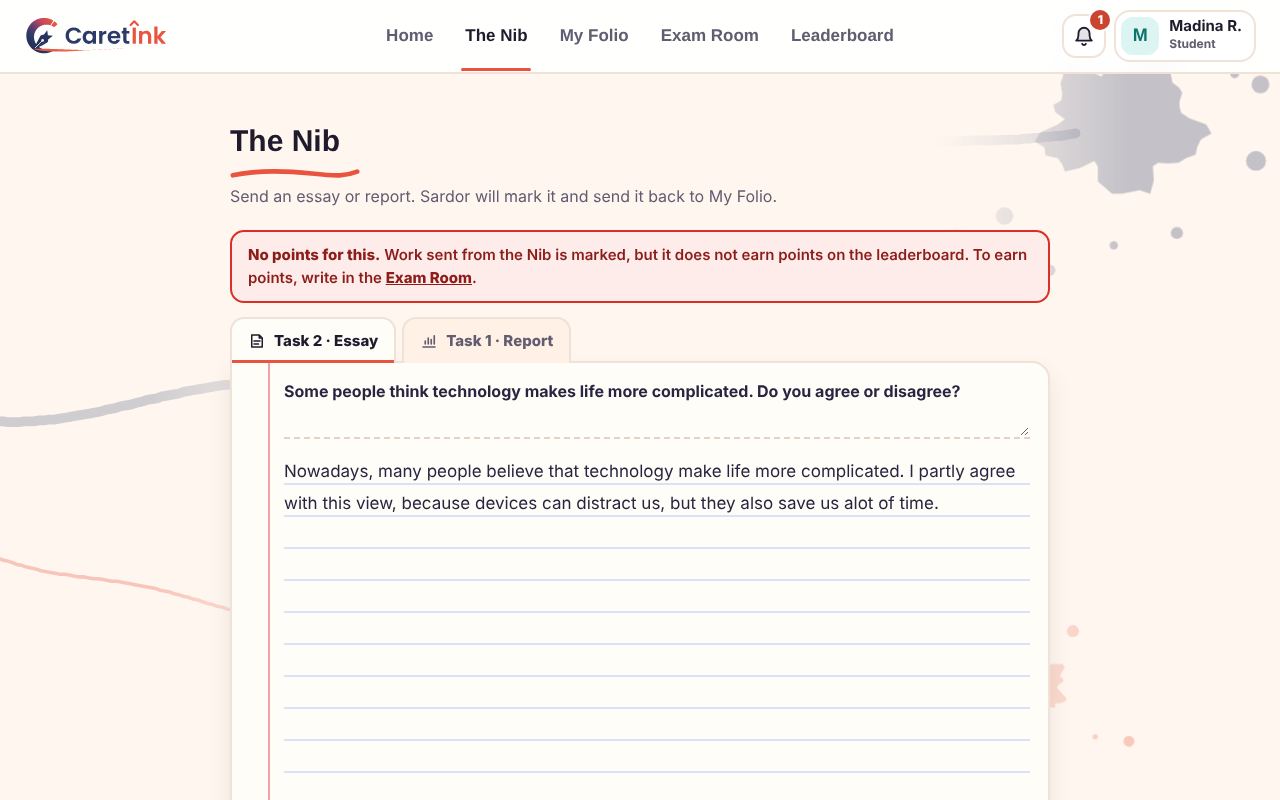
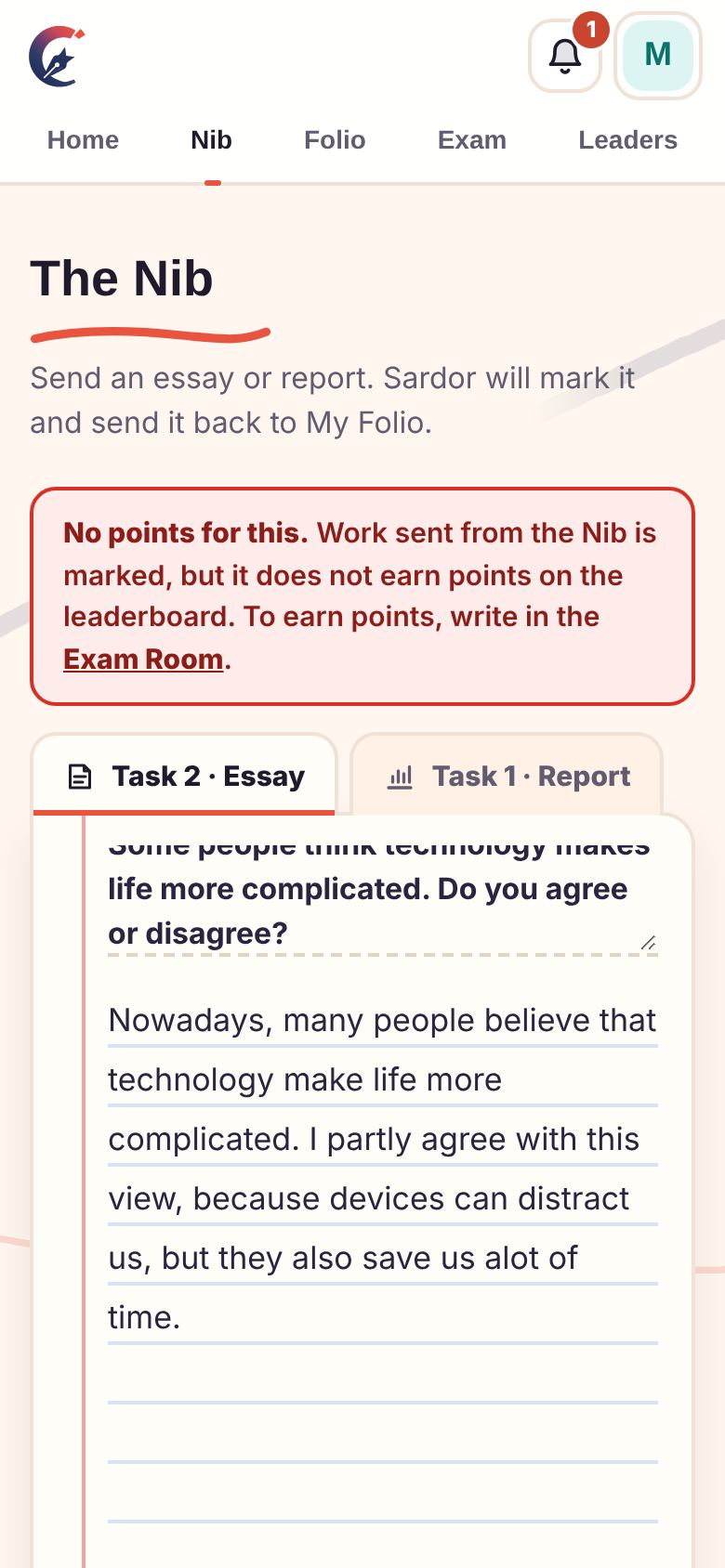
Want feedback on something you wrote at home? Send it from the Nib and Sardor marks it. It is separate from the exam, so it does not earn points and never changes the leaderboard.
CaretInk expects regular practice. If you send no essay or report for 2 days, you see a warning. After 3 full days it says today is your last day, and at 23:59 that day the account is banned until Sardor lets you back in.
Only you and Sardor. Other students see the leaderboard with names and points, never your writing.
No. Points come only from the Exam Room, where there is one clock and no outside help.
Message Sardor on Telegram and he will reset it.
Yes. The site is made for phones too, and you can add it to your home screen like an app.
Read the short, plain privacy page. Nothing is public, there are no ads and nothing is sold.
Screenshots on this page use example names and sample work.
Around your desk
Send an essay or report. Sardor will mark it and send it back to My Folio.
No points for this. Work sent from the Nib is marked, but it does not earn points on the leaderboard. To earn points, write in the Exam Room.
Everything you have sent, with your scores and explanations.
Notes from Sardor
My mistake list
Real exam conditions: one clock, no spellcheck, no help. This is the only place where you earn points. Start only when you have time to finish in one go. If you leave the exam page, the exam stops: contact Sardor on Telegram to continue.
Points come from improving: beating your own average, fixing your mistakes, and writing full-length pieces every week. It's you against your last pieces, not against band 9.
New work waiting for you, oldest first.
Students in an exam, and anyone who left one and needs your OK to continue.
Add tests for the Exam Room. Give one essay, one report, or both together like the real exam. Students only see the questions once they start.
Work you have already marked and returned, newest first.
Add students, edit their names, reset forgotten passwords, or remove students who have left.
Leaderboard
Save a copy of everything to this computer. The Excel file has every piece of work with its marks and feedback. The full backup also keeps tasks, mistakes, points and notes. Attached photos and files stay online.
A student who sends no essay or report gets a warning after 2 days, then "Today is your last day" once 3 full days have passed, and is banned at 23:59 on that day. So the ban comes between 3 and 4 days after their last piece of work. Press a button to see exactly what a student would see. Only you see these previews.
When something breaks on someone's device, a short note lands here so you know what to fix.
Get a message the moment Sardor marks your work, and a reminder before your 2 days run out.
| Date | Work | Band |
|---|
Type a whole band (0–9) for each criterion, then Tab. ↑ ↓ change it by one. The overall works itself out in half bands.
1 · Band growth
2 · Effort
3 · Mistakes